
The No-Fluff Guide to Starting an Online Store That Actually Sells

How to start an online store used to mean hiring a developer, waiting weeks, and hoping the checkout page didn’t break on launch day. That’s not the reality anymore. After running a 1,000+ SKU dropshipping store on Shopify for over five years, and building leaner sites on Hostinger for the past two, I’ve launched stores both ways: go big with a full ecosystem, or go lean with a budget-first builder. Both work. The trick is picking the right one for where your business actually is right now, not where you hope it’ll be in a year.
This guide skips the generic “10 steps to ecommerce success” fluff and gives you a decision-focused path: platform choice, sourcing, payments, and logistics, grounded in what actually happens once real orders start coming in.
How to Start an Online Store: Quick Answer
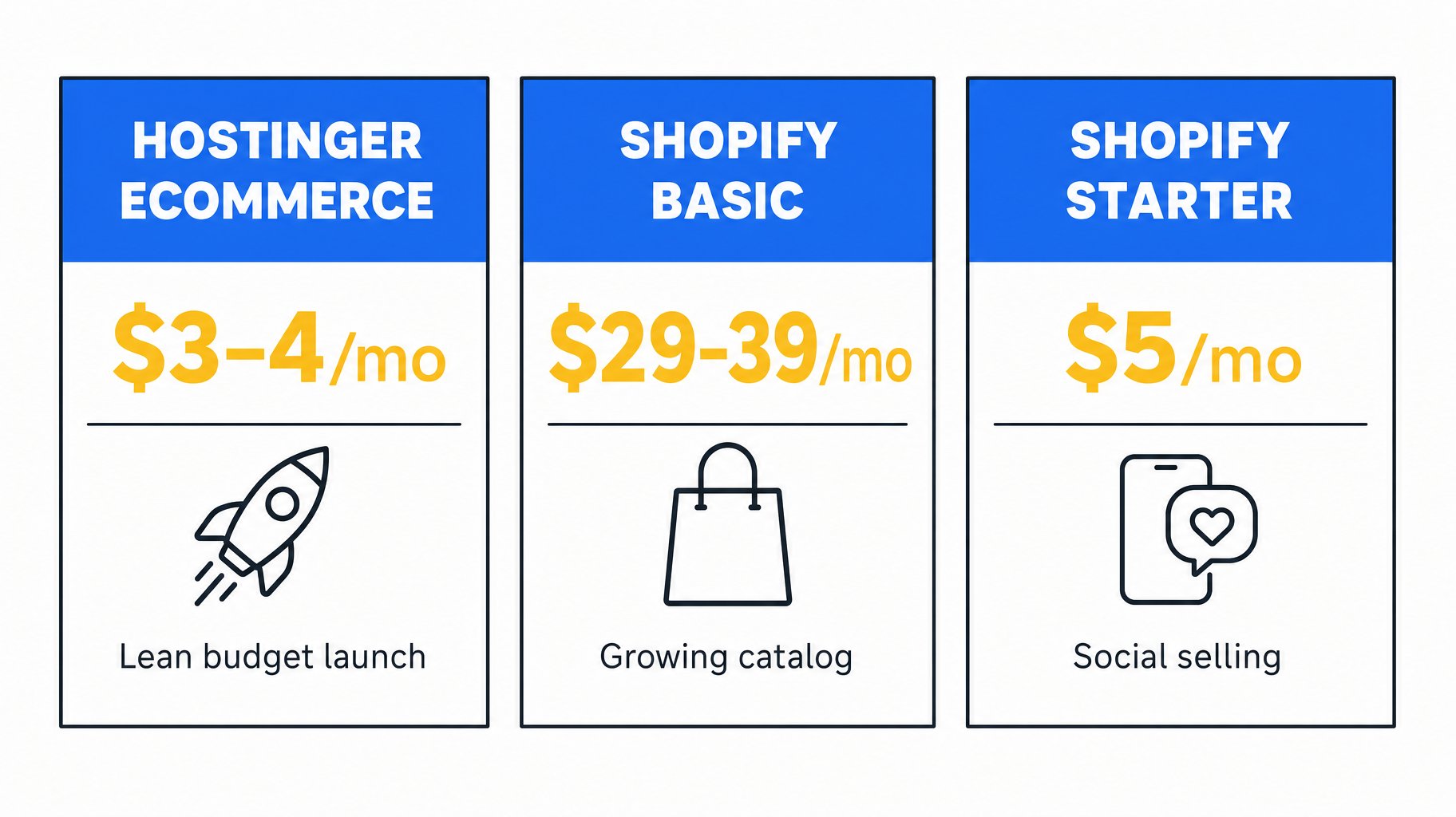
If you’re testing an idea with a tight budget, start with Hostinger’s Ecommerce plan, which runs roughly $3–4/month on longer billing terms with no transaction fees. If you already know you’ll scale a catalog and need serious app integrations, Shopify Basic is the better long-term home at $29–39/month depending on whether you pay monthly or annually. Selling casually through social or a link-in-bio? Shopify Starter at $5/month covers that without a full storefront.
Affiliate Disclosure
This article contains affiliate links to Hostinger and Shopify. If you sign up through these links, I may earn a small commission at no extra cost to you. I only recommend platforms I’ve personally used to run real stores.
Quick List: What You Actually Need to Launch
- A platform to build and host your store
- A product to sell, sourced or made yourself
- A payment processor connected to your storefront
- Basic legal setup (business registration, tax ID where required)
- A shipping or fulfillment plan
- A domain name and a handful of product pages
Here’s why that matters: skipping any one of these turns “launch week” into “launch month.” Most delays I’ve seen aren’t technical, they’re decision paralysis around sourcing or payments.
Platform Choice: Go Big or Go Lean
When I built my dropshipping store, I needed Shopify’s app ecosystem to manage 1,000+ listings, inventory syncing, and third-party fulfillment tools. That complexity has a cost. Shopify Basic runs $39/month, or $29/month if you commit to annual billing, plus a 2.9% + 30¢ online card rate through Shopify Payments. Skip Shopify Payments for a third-party processor, and you’ll add roughly a 2% surcharge on top.
Hostinger’s Ecommerce plan flips that trade-off. It runs roughly $3–4/month on longer billing terms, renewing closer to $17/month after the intro period, and Hostinger Ecommerce charges zero transaction fees regardless of processor. In plain English: you pay less upfront and keep more of each sale, but you get a simpler builder with a smaller app catalog.
Decision logic: if you’re launching with under 50 products and want to keep monthly overhead near zero, choose Hostinger. If you’re planning to scale past a few hundred SKUs or need deep app integrations like subscriptions, complex shipping rules, or wholesale pricing, choose Shopify Basic. Just want to sell a handful of items through Instagram or a link-in-bio page without building a full site? Shopify Starter at $5/month is the leanest option of all.
Here’s a dissenting view worth considering. A lot of beginner guides push Shopify by default because it’s the “safe” brand name. In my experience, that default costs new sellers money before they’ve proven demand. Test on the cheaper platform first. Upgrade once orders justify it.
Product Sourcing: Lessons From 1,000+ Listings
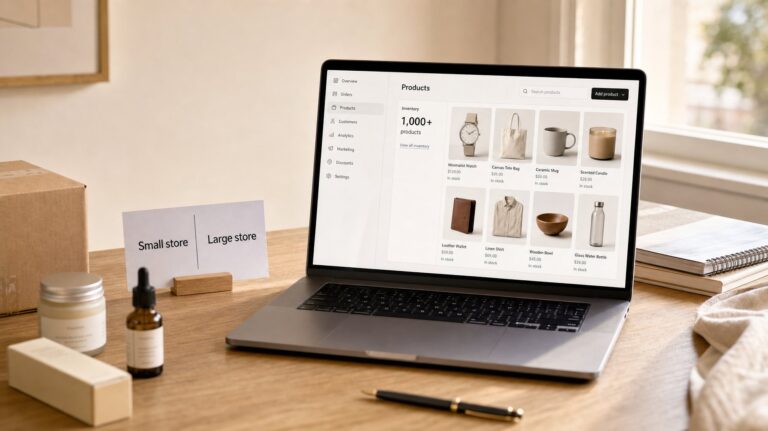
Running a large dropshipping catalog taught me that more products don’t automatically mean more sales. They mean more customer service tickets and more inventory headaches when a supplier runs out of stock. If you’re just starting, pick 5–15 products you can source reliably rather than flooding your store with hundreds of untested SKUs.
You don’t need upfront inventory to start. Dropshipping lets you list products, then order from a supplier only after a customer pays. It’s a low-risk way to test demand, though margins are usually thinner than sourcing your own stock or manufacturing directly.
Say you want to sell handmade candles. You could hold inventory yourself for higher margin at more upfront cost, or partner with a print-on-demand-style supplier for zero inventory risk while you build an audience. Many beginners try to do both at once and end up managing neither well. Pick one path for your first 90 days.
Payments and Logistics, Without the Coding
Do you need coding skills to start an online store? No. Both Hostinger and Shopify now include AI-assisted setup tools, similar in spirit to what we cover in our AI website builder guide for small business, that generate a working storefront from a short description of your business. Both also use drag-and-drop editors for everything else, so you’re customizing templates, not writing HTML.
For payments, Shopify Payments and Hostinger’s built-in processor both accept major cards without extra setup. The most common early mistake is choosing a store theme before setting up payments. The fix is simple: connect your payment processor and run one test order before you touch design at all. That way you catch checkout problems before a real customer does.
For logistics, decide upfront whether you’re shipping yourself, using a fulfillment partner, or dropshipping. A beginner using either platform’s AI setup tools can have a basic five-page store, home, shop, product, about, and contact, live in 2–4 hours, not counting product photography or copywriting.
Platform Comparison
| Platform | Starting Price | Best For |
|---|---|---|
| Hostinger Ecommerce | ~$3–4/month | Lean, budget-first launches and solo sellers |
| Shopify Basic | $29–39/month | Dedicated storefronts with a growing catalog |
| Shopify Starter | $5/month | Social selling without a full storefront |
Common Mistakes (and Fixes)
- Choosing a platform based on hype, not catalog size. Many business owners default to the biggest brand name. Fix: match the platform to your product count and budget, not reputation.
- Listing too many products before validating demand. Fix: start with 5–15 SKUs and expand once sales data tells you what’s working.
- Skipping the payment test order. Fix: run a $1 test transaction before launch to confirm checkout works end to end.
- Ignoring legal basics. Fix: check local requirements for a business license and sales tax registration before your first real sale.
- Overspending on design before proving the idea works. Fix: use a template as-is for month one, then redesign once you have revenue. If budget is your main constraint here, the cheapest website builder comparison breaks down where the real savings are.
My Verdict
If I were starting from zero today with a tight budget, I’d launch on Hostinger’s Ecommerce builder and validate demand before spending more, the kind of setup speed we detail further in our Hostinger AI website builder review. If I already knew I was scaling a large catalog, I’d go straight to Shopify Basic and accept the higher monthly cost as the price of a more mature app ecosystem. Neither choice is wrong. They solve different problems, and if you want the fuller platform-by-platform breakdown behind that call, it’s in our Wix vs. Squarespace vs. Hostinger comparison.
Next Steps
Pick your platform using the decision logic above, then build a five-page store with 5–15 products before worrying about marketing. Once you’ve made your first sale, revisit whether your current platform still fits your catalog size. For the full pillar guide behind this entire cluster, see Best Website Builder for an Online Store.
FAQ
How much does it cost to start an online store in 2026?
Pricing varies by platform and billing cycle. Hostinger’s Ecommerce plan starts around $3–4/month with no transaction fees, while Shopify Basic runs $29–39/month plus a 2.9% + 30¢ online card rate. Your total cost depends more on sales volume than the sticker price.
Do I need coding skills to start an online store?
No. Both Hostinger and Shopify offer AI-assisted setup and drag-and-drop editors, so you’re customizing templates rather than writing code.
How long does it take to launch a basic online store?
Using AI setup tools, a beginner can build a basic five-page store in 2–4 hours. Add more time for product photography, copywriting, and payment testing before going live.
Do I need a business license to sell online?
In most regions, yes, at least a basic business registration and sales tax setup once you’re generating revenue. Requirements vary by country and state, so check local rules before your first sale.
Which is better for beginners, Shopify or Hostinger?
It depends on catalog size and budget. Hostinger suits beginners testing a small product line on a tight budget. Shopify Basic suits beginners who already plan to scale a larger catalog and need more app integrations.
Can I start an online store with no upfront inventory (dropshipping)?
Yes. Dropshipping lets you list products and order from a supplier only after a customer buys, avoiding upfront inventory costs, though margins are typically thinner than holding your own stock.