How AI Website Builders Work: What Happens Behind Those Few Clicks

How AI website builders work comes down to one surprising truth: those “4 clicks” you see in the demo videos are hiding three separate AI systems working in sequence, not one magic button. I’ve used Hostinger’s AI website builder for over two years now, and the first time I watched it turn three sentences into a full homepage, I genuinely wanted to know what was happening in that 20-second gap between “Create a website” and the finished result.
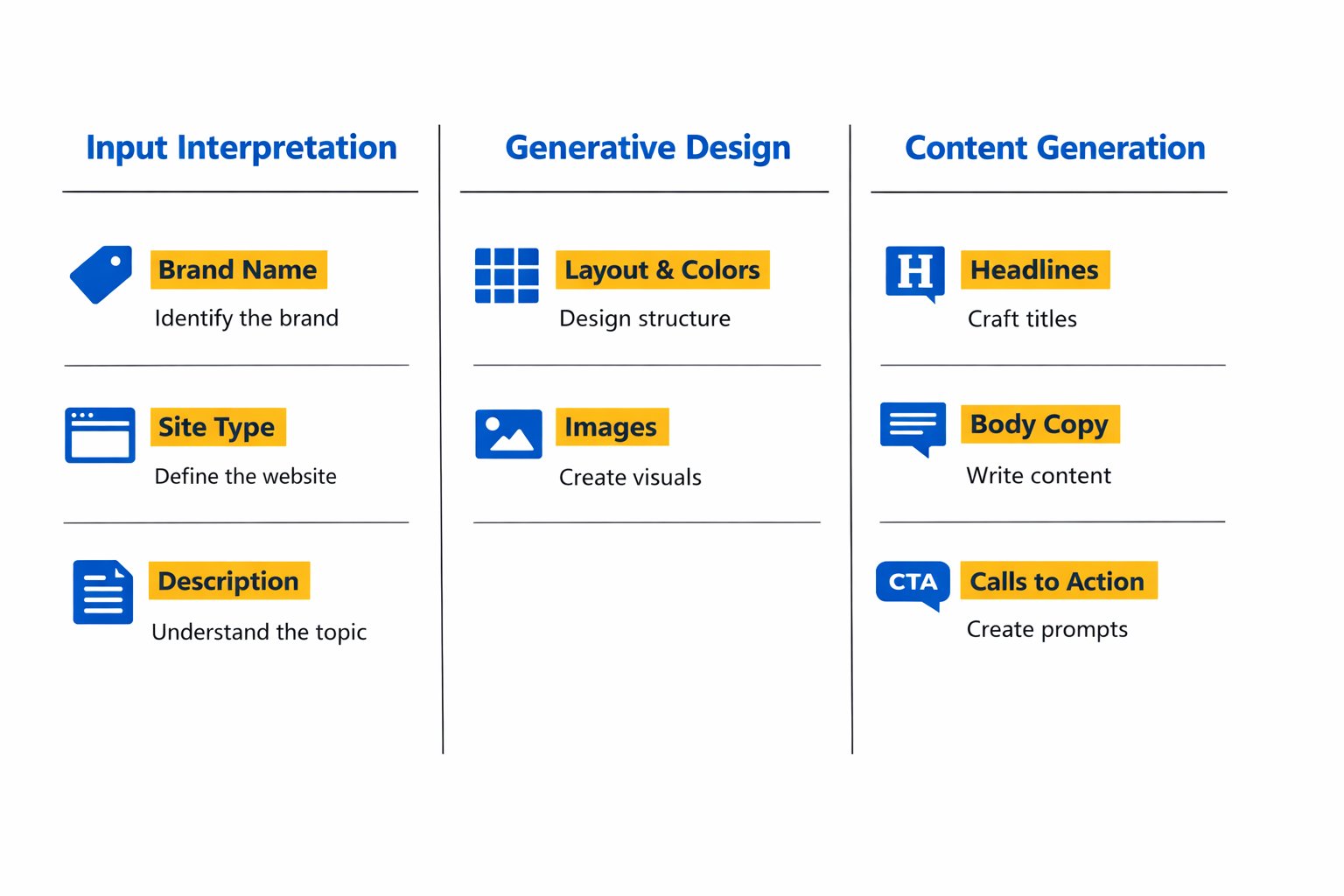
Here’s the short version: you answer a few prompts, the AI interprets what you typed, a generative design engine builds a layout around it, and a separate content engine writes the text to fill it. Then you edit. That’s it — no coding, no design degree, and definitely no “hands-off forever” once it’s live.
Quick Answer
AI website builders work in three phases: input interpretation (your brand name, site type, and description get turned into structured data), generative design (the AI picks a layout, color palette, and image set based on that data), and content generation (an AI writer fills the pages with copy tailored to your description). You then edit everything in a visual builder before publishing. Tools like Hostinger, Wix, and Squarespace all follow this same basic pattern, just with different interfaces and levels of creative control.
Affiliate disclosure: This post contains affiliate links. If you buy through them, I may earn a small commission at no extra cost to you.
How AI Website Builders Work Behind the Scenes
Most explanations of AI website builders stop at “you type something, it builds a site” — which is true but skips the interesting part. Since I’ve watched Hostinger’s builder run dozens of times on real projects, I can walk you through what’s actually happening at each stage, using its real interface as the example.
Step 1: Input Interpretation
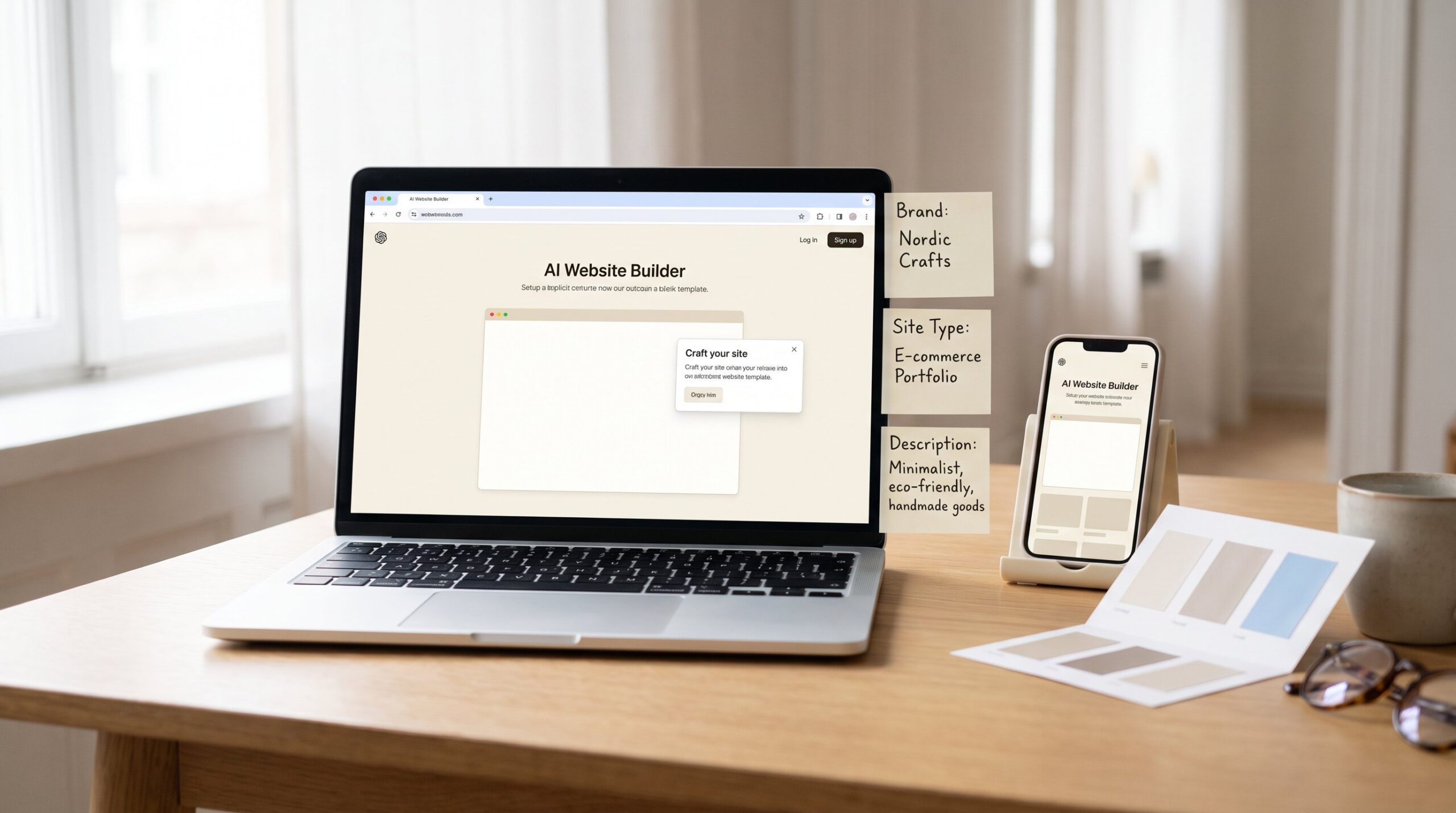
The process starts the moment you type your brand name into the builder. Hostinger’s AI immediately tries to generate a matching SVG logo if your brand name is under 20 characters — go longer than that, and it defaults to a generic placeholder you can swap out later. This catches a lot of first-time users off guard, but it’s an easy fix once you know it’s coming.
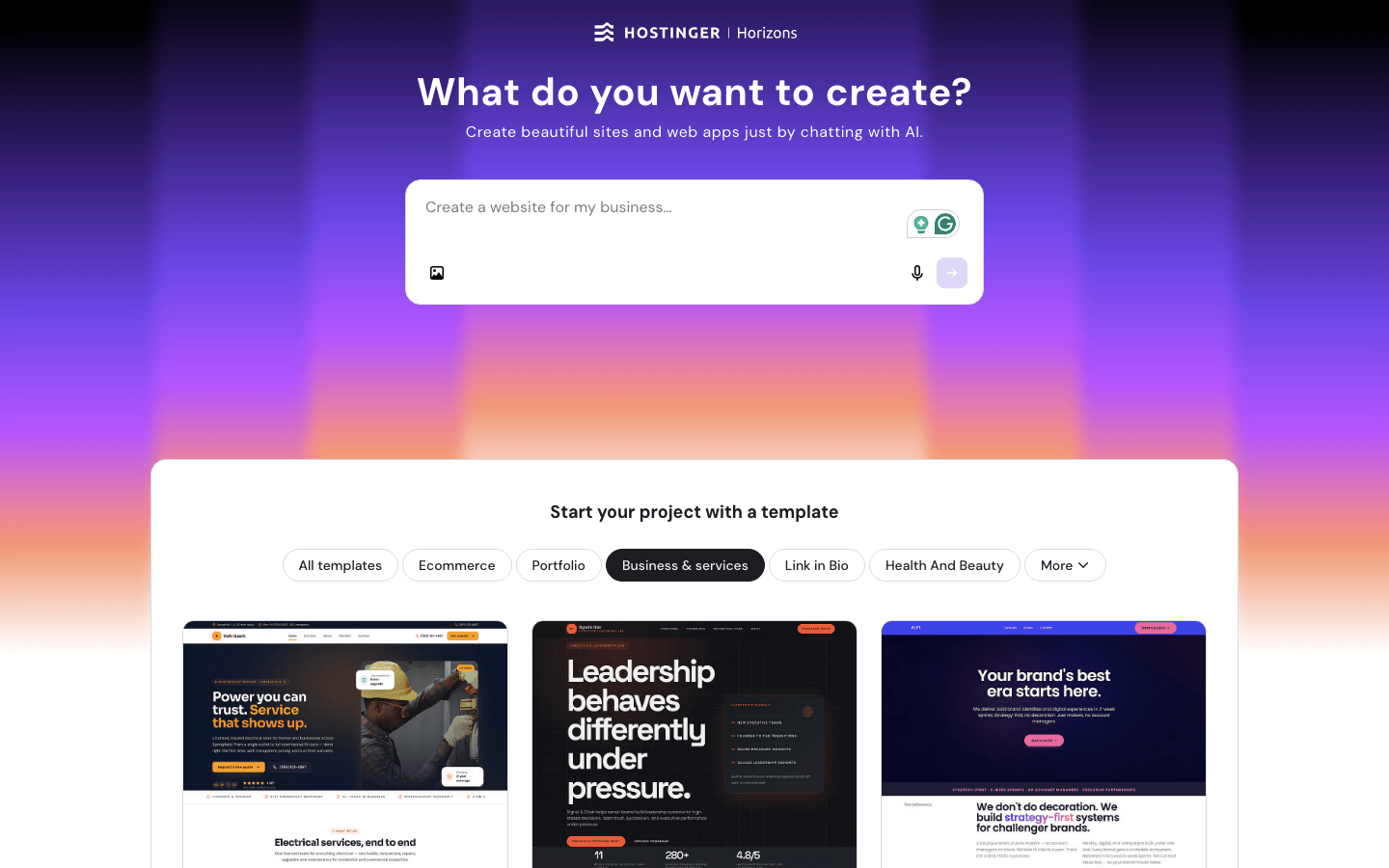
Next, you pick a website type from a dropdown — online store, blog, business showcase, portfolio, landing page, or “other”. This single choice matters more than it looks like it should: choosing “online store,” for example, automatically tells the AI to build out product pages, a cart, and checkout flow later in the process. In plain English, this dropdown isn’t decoration — it’s the AI’s first real instruction about site structure.
Then you write a short description of your business, up to 700 characters. The AI uses this text to generate content tailored specifically to you, and the more descriptive you are here, the better the output. Think of it like briefing a freelance writer: vague instructions get vague results, specific instructions get specific ones
Step 2: Generative Design
Once the AI has your brand name, site type, and description, it moves into layout generation. This is where you set style and color preferences — choosing an overall aesthetic and specifying up to three main colors (light, dark, and accent). The AI then assembles a full page structure: hero section, feature blocks, image placements, and navigation, all pulled from a library of proven layout patterns rather than invented from scratch.
Here’s the catch most beginners don’t expect: the AI isn’t designing something original for you — it’s matching your inputs to a layout template it already knows works well for that type of business. That’s actually a good thing. It means you’re getting a structure that’s been tested across thousands of similar sites, not an experimental design that might confuse visitors.
Step 3: Content Generation
The final phase is where an AI content writer generates the actual text for each section — headlines, body copy, calls to action — based on your original description. Hostinger’s version of this is called the AI Content Writer, and it works alongside an AI assistant (Kodee) that can regenerate specific blocks of text if the first draft doesn’t land right. This generator lives inside Hostinger’s broader Website Builder plan rather than as a separate paid tool — the AI layer builds your first draft, and the regular drag-and-drop editor takes over from there.hostinger+3
This is the step people worry about most, and understandably so — nobody wants a site that reads like a robot wrote it, or worse, sounds identical to someone else’s. In practice, the output draws from your specific description, not a shared template of stock phrases, so two businesses in the same industry typically get noticeably different copy. That said, first drafts are rarely publish-ready as-is; treat the AI’s text as a strong starting draft, not the final version.
Wix and Squarespace: Same Idea, Different Approach
Wix’s AI tools follow a similar three-phase pattern but lean conversational — recent versions ask you questions in a chat-style flow before generating your site, rather than a single form with dropdowns. Squarespace’s Blueprint AI, by contrast, is more structured and design-forward, walking you through a guided sequence that locks in your layout choices earlier in the process — and it now sits on top of Squarespace’s newer plan lineup (Basic, Core, Plus, and Advanced), which replaced the older Personal and Business tiers.
Here’s a dissenting take worth considering: most guides frame Wix’s chat-style flow as more “beginner-friendly” than Hostinger’s form-based approach. In practice, I’ve found the opposite for people who don’t yet know what they want — a conversational flow can feel slower and more open-ended, while a structured form (like Hostinger’s) forces useful decisions faster because there’s less room to overthink each answer.
If you want the widest comparison of how these tools stack up on price and features, our guide to the best AI website builders for small business covers that in depth.
Can You Still Edit After the AI Builds It?
Yes — and this is the part that removes the most fear for first-timers. Every AI website builder worth using drops you into a visual editor after the initial generation, where you can change text, swap images, rearrange sections, and adjust colors by clicking directly on the element you want to change.
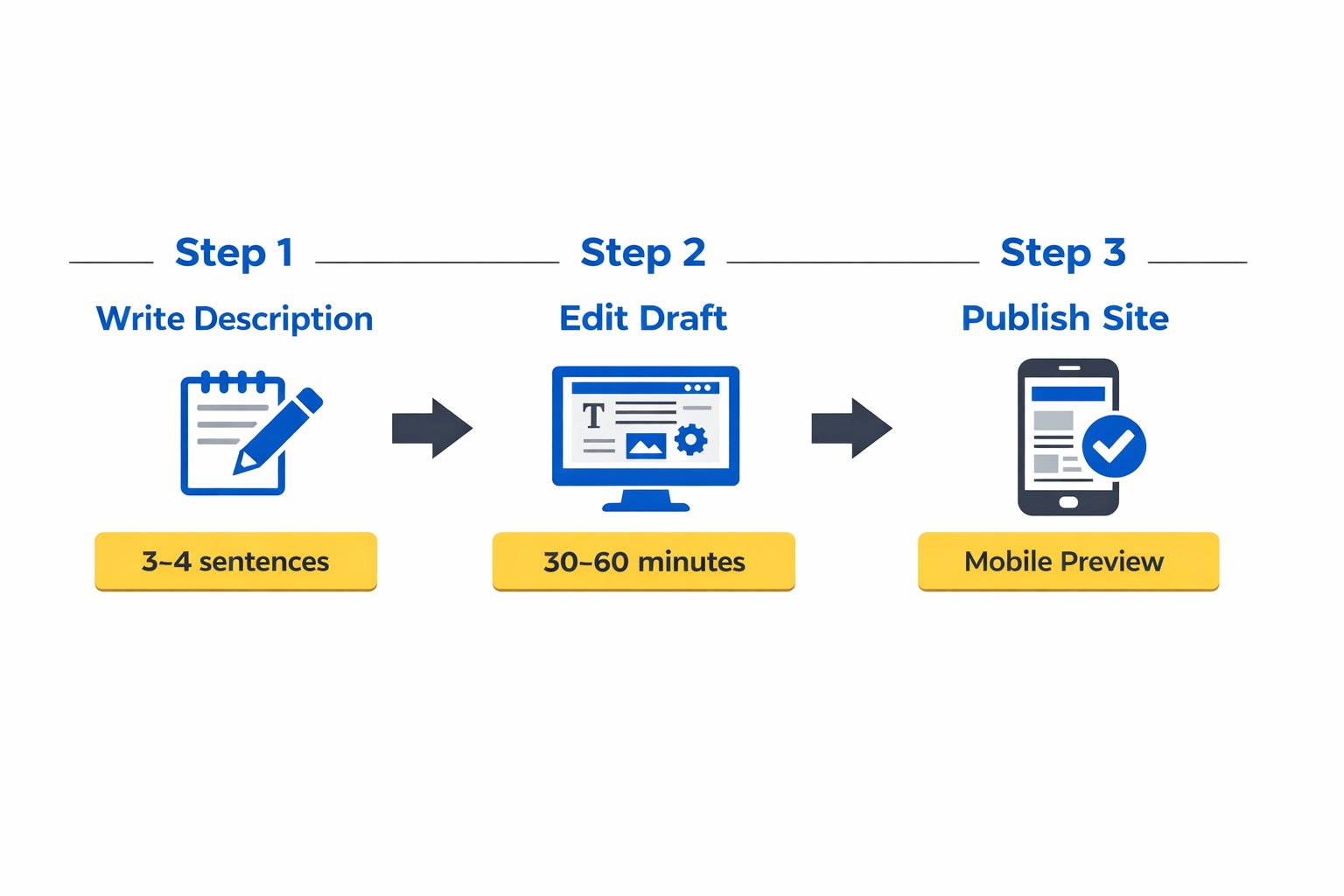
Many business owners assume “AI-built” means “locked in,” but that’s backwards. The AI generates a strong first draft in seconds; you then spend the real time — usually 30 to 60 minutes for a simple site — polishing it into something that matches your brand exactly. If visual editing still feels intimidating, our guide to the easiest website builder for beginners breaks down what to expect from that editing stage specifically.
Common Mistakes When Using an AI Website Builder
Many business owners run into the same handful of snags when they try an AI builder for the first time. None of these are dealbreakers — they’re just easy to overlook when you’re moving fast.
- Writing a vague business description. A one-line description like “I sell candles” gives the AI almost nothing to work with, and the copy comes out generic. Fix: write 3–4 specific sentences about who you serve and what makes your business different.
- Skipping the website type dropdown. Choosing “other” instead of “online store” or “blog” means the AI won’t build out the pages you actually need. Fix: pick the closest matching category, even if it’s not perfect — you can add pages manually later.
- Assuming the first draft is the final site. This is the mistake specific to AI builders that generic website-builder advice never covers — people publish the AI’s first output without editing, then wonder why it feels impersonal. Fix: budget at least 30 minutes to rewrite headlines and swap stock images for real photos.
- Ignoring mobile view before publishing. The AI optimizes for desktop-style previews first, so spacing can look off on phones. Fix: always check the mobile preview toggle before you hit publish.
- Choosing colors that clash with your logo. It’s easy to pick a color palette during setup and forget it needs to match a logo you already have elsewhere. Fix: upload your existing logo first if you have one, then match colors to it.
Next Steps
If you’re ready to see this in action, here’s a simple 24–48 hour plan:
- Today: Write a 3–4 sentence description of your business (specific enough that a stranger could picture what you sell), then run it through an AI website builder’s setup flow — Hostinger’s AI website builder is a solid starting point, with plans starting at $2.99/month.hostinger+1
- Within 24 hours: Spend 30–60 minutes editing the generated draft — rewrite at least your homepage headline and swap one stock image for a real photo.
- Within 48 hours: Check the mobile preview, connect your domain, and publish. If you’re still deciding between platforms first, our guide on how to choose a website builder can help you narrow it down before you commit.
FAQ
What is an AI website builder and how is it different from a regular builder?
A regular builder gives you a blank template you fill in yourself. An AI builder generates a complete first draft — layout, colors, and written content — based on a short description you provide, then lets you edit from there.
How much does an AI website builder cost?
Pricing varies by platform. Hostinger’s Website Builder plans start around $2.99/month, while Wix’s cheapest paid plan starts at $17/month with a free plan also available. Squarespace now runs on newer Basic, Core, Plus, and Advanced tiers, with starting prices commonly reported in the mid-teens per month — always confirm current pricing on each provider’s site since promotions and renewal rates change often.s
Will an AI-built website look generic or “cookie-cutter”?
Not if you write a specific business description — the layout and copy are generated from your actual input, not a single shared template. Generic results usually trace back to a vague description, which is an easy fix.
Do I need any coding or design skills to use one?
No. The entire point of AI website builders is removing that requirement — you answer prompts in plain language, and the AI handles layout and code generation behind the scenes.
Can I edit the site after the AI generates it?
Yes, and you should. Every major AI builder drops you into a visual editor immediately after generation so you can change text, images, and layout by clicking on elements directly.
Is my content actually unique, or does the AI copy other sites?
The AI writes new text based on your specific description rather than copying existing sites, but first drafts often need personal editing to sound fully like your voice.
How long does it take to get a finished website?
Initial generation takes under a minute. Getting it publish-ready — with your edits, a real domain, and mobile checks — typically takes 30 to 90 minutes for a simple site.
Which AI website builder is best for someone with zero experience?
For most beginners, a form-based flow like Hostinger’s tends to feel faster since it asks direct questions rather than an open-ended chat. If budget allows more flexibility, Wix’s conversational AI setup suits people who prefer talking through their site idea step by step.