AI Website Builder vs Traditional Builder: Which Fits Your Business Timeline?

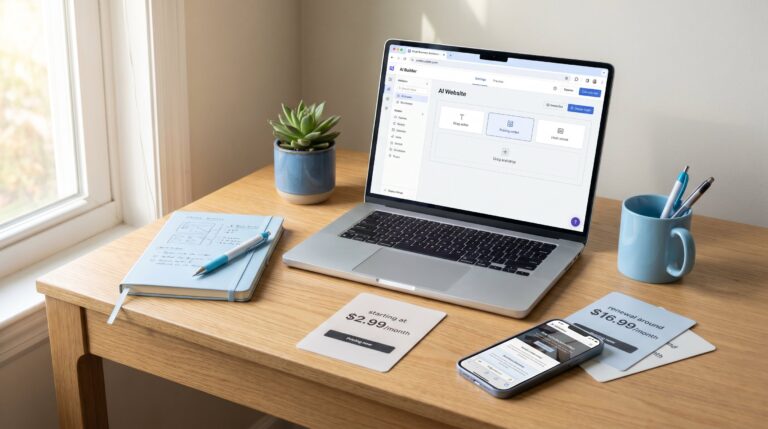
AI website builder vs traditional builder — that’s the fork in the road most business owners hit the moment they sit down to actually build their site. But here’s the twist that trips people up: this isn’t really an “AI or nothing” choice anymore, because most platforms today are some kind of hybrid. An AI-first builder like Durable generates a full site — layout, copy, images — from a short questionnaire, sometimes in under a minute. Hostinger, Wix, and Squarespace also start with AI generation, but they’re better described as hybrid platforms, since they still hand you a traditional editor and deeper manual control once that first draft is done.wix+7
Pick the wrong approach for your timeline, and you either lose weeks you didn’t have, or end up with a site that looks like everyone else’s. So let’s compare the two paths properly — speed, cost, control — including where the “cheap” option quietly gets expensive.vexar+1
Quick Answer
Need something live today and don’t mind a simpler look? Go with an AI-first builder like Durable, or lean on Hostinger’s AI generator for a fast first draft. Most builders get you online in 5 to 15 minutes, with copy and images already drafted. Need precise branding, custom features, or a site built to grow with you? That’s when switching into the manual side of a hybrid platform like Wix, Squarespace, or Hostinger earns its keep, even though a comparable manual build usually takes 2 to 8 hours to pull together.kvitly+2
Speed Vs Control: The Real Trade-Off
AI-first building trades some control for speed. Manual building trades speed for control. That’s really the whole story — every other difference branches off from this one trade-off. Side-by-side tests confirm it: AI tools put together a full site in roughly 60 seconds to 15 minutes, while building something comparable by hand takes about 2 to 8 hours once you count picking a template, writing content, and adjusting the layout.aimarcus+1
Here’s a way to picture it. An AI builder is like a fitness app that hands you a workout plan in seconds based on a quick quiz — fast, decent, a little generic. A personal trainer takes longer to get started because they’re actually asking questions and shaping something around your specific goals. Neither approach is wrong. It just depends on whether you need to start moving today, or need something built specifically for you.
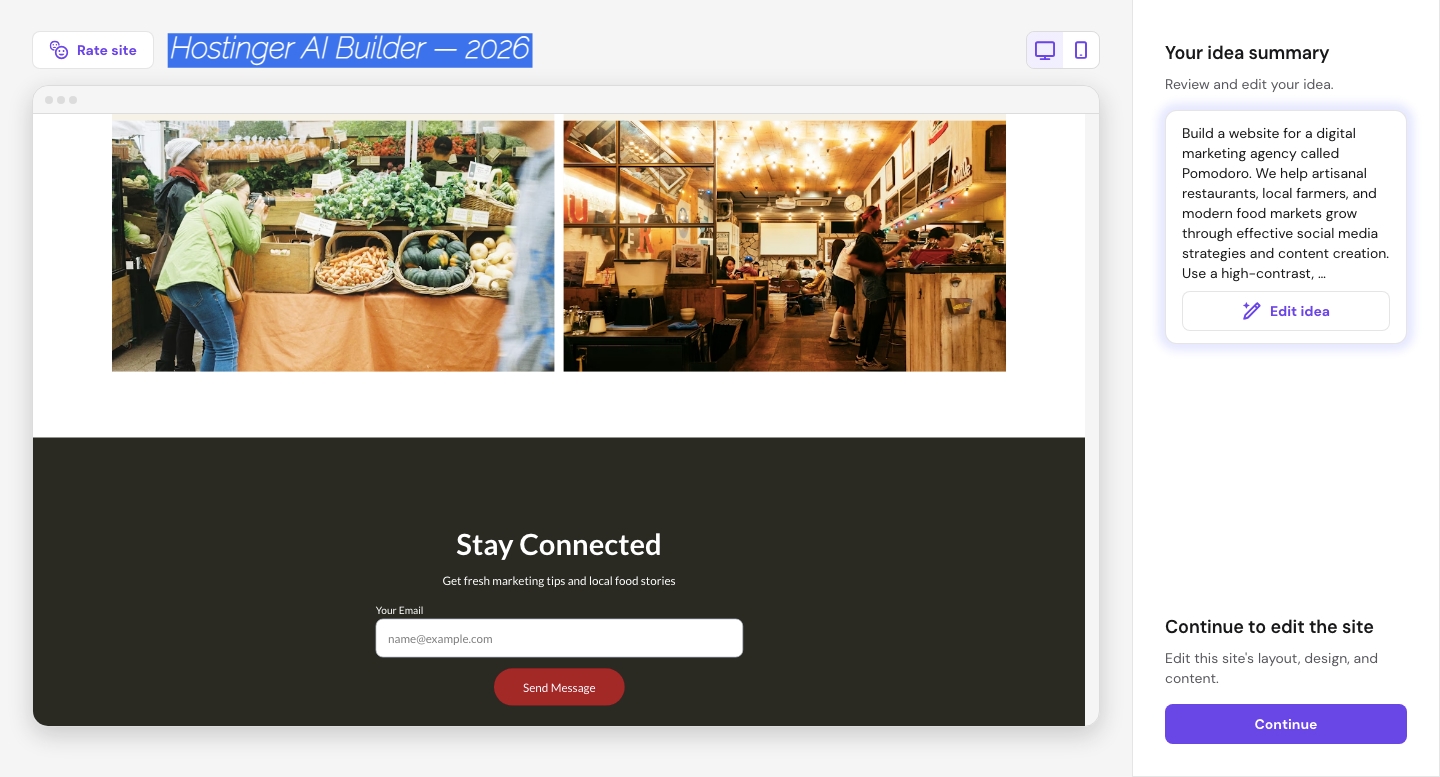
I’ve run Hostinger’s AI builder alongside its regular drag-and-drop editor on separate projects, and the time gap is real. The AI version had a homepage and about page drafted before I’d even finished picking a template the manual way. Once I wanted to fine-tune spacing and section order, though, switching into Hostinger’s traditional editor gave me far more room to actually get it right — which is the whole point of building on a hybrid platform.
AI Website Builder Pros and Cons
Here’s what you’re actually weighing when you lean into the AI side of building.
- Pro: live in minutes, with headlines, about pages, and service copy already written for youkvitly+1
- Pro: pricing on AI-first plans tends to be more upfront, since hosting and SSL are often bundled into one monthly fee instead of billed separately
- Con: you’re mostly limited to light edits unless you switch into the platform’s manual editor, so first drafts can feel a bit templated
- Con: SEO tools tied to the AI generation step are usually basic — present, but not deeply configurable without digging into manual settings
- Con: works well for small or medium sites, but you can hit a ceiling on customization as the business grows
How AI Website Builders Work (In Plain English)
Here’s the short version: you answer a few questions about your business, and the system uses that input to pick and customize a pre-built template — swapping in colors, layout, and copy to match. It’s not building from nothing; it’s smart template-matching with AI-written content and images layered on top. That’s actually good news for reliability, too — leaning on tested templates means you’re less likely to end up with a broken layout, even if the design feels a little off-the-shelf at first.
For a deeper technical breakdown, our how AI website builders work guide walks through the mechanics step by step.
AI Website Builder Vs Traditional Builder: Where Manual Wins
Flip the comparison around, and the manual, hands-on side of these platforms starts pulling ahead exactly where AI struggles. Switching into full manual mode on Wix, Squarespace, or Hostinger gives you real control over layout, fonts, and spacing, plus a much wider range of plugins and integrations for anything custom. That control matters most if you’re planning custom features, e-commerce complexity, or a site that needs serious room to grow over the next few years.medium+1
The catch: that control costs time — often 15 to 30 hours for a basic custom site — and sometimes money you didn’t budget for. Plans built around manual customization tend to advertise a low starting price, but once you add premium templates and the business tools you actually need, the real monthly total often lands higher than it first looked.
Comparison at a Glance
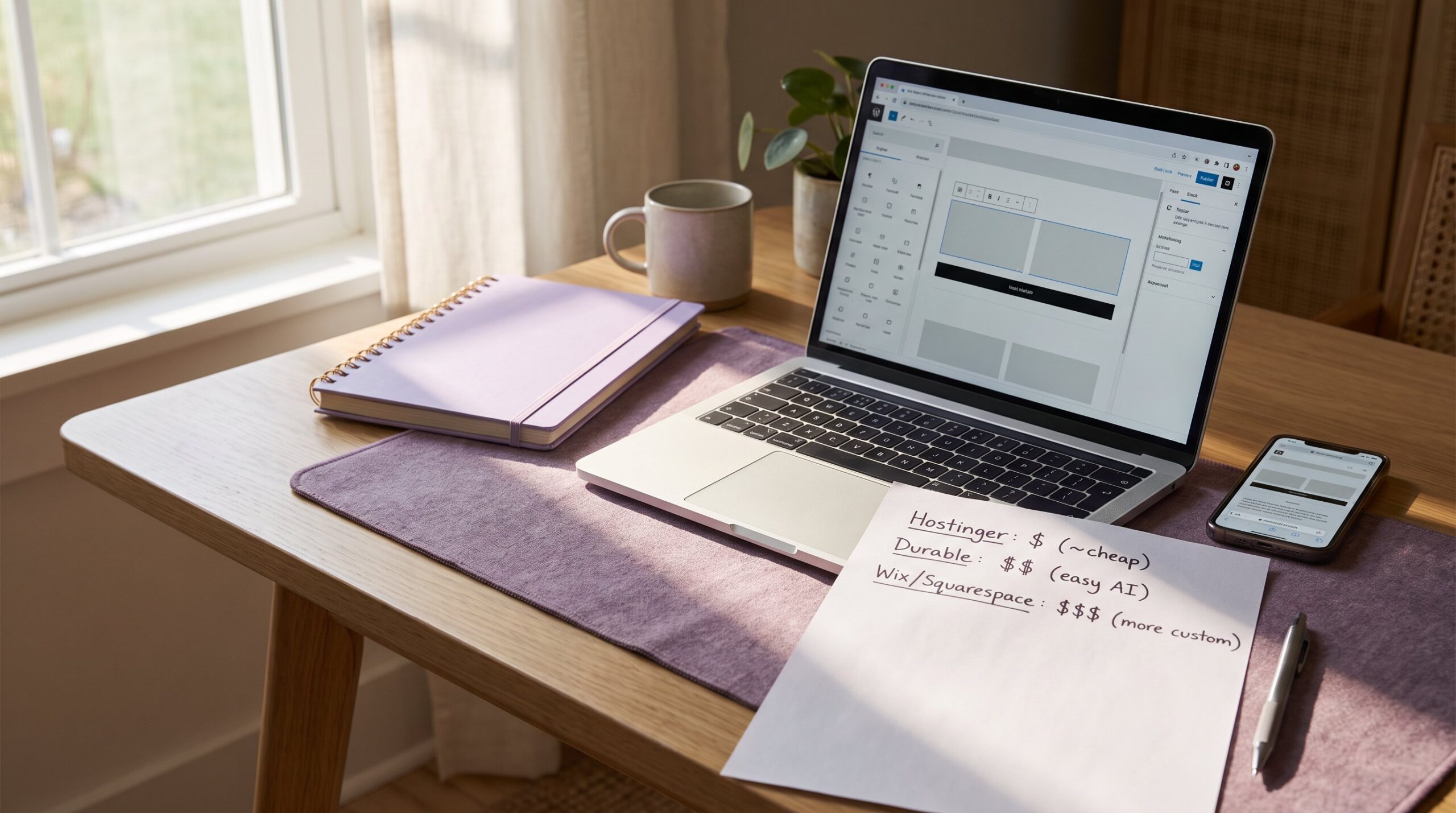
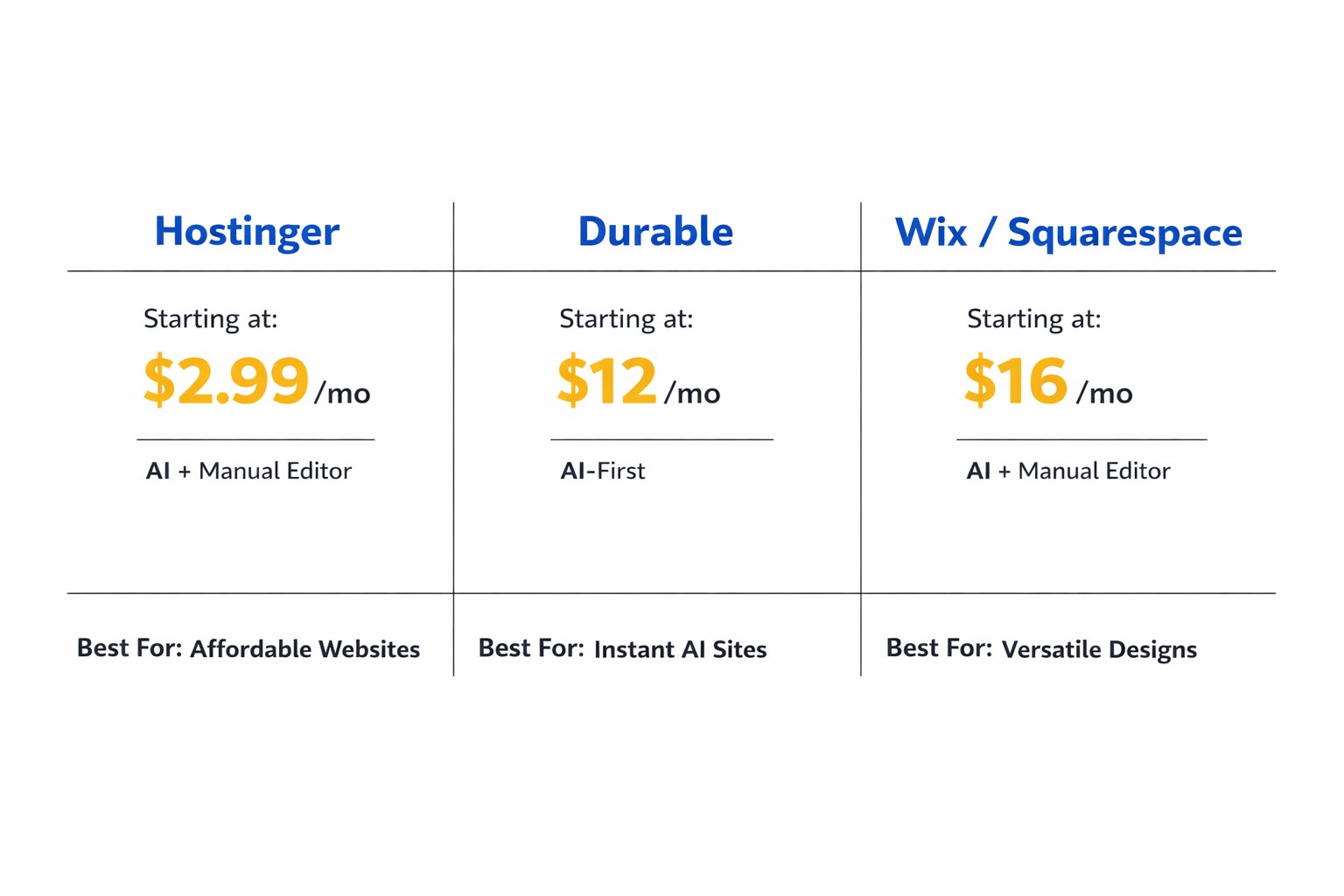
| Platform | Starting Price | Best For |
|---|---|---|
| Hostinger (AI + manual editor) | ~$2.99 /month on annual plans, hosting and SSL included | Solopreneurs wanting a fast AI draft with room to fine-tune manually |
| Durable (AI-first) | ~$12 /month depending on plan tier | The fastest possible MVP launch, minimal editing needed |
| Wix / Squarespace (AI + manual editor) | ~$16 /month once business tools and premium templates are added | Businesses wanting AI to start, then full manual control for branding |
Is AI Website Builder Good for Small Business?
So, is an AI website builder good for small business use? For solopreneurs, service providers, or anyone racing to launch, yes. Leaning on the AI side of any of these platforms clears the two biggest bottlenecks — writing copy and picking a layout — and gets you a professional-looking site the same day, often for less than a “budget” manual plan once you count the add-ons. But if your business needs a highly custom checkout flow, booking system, or unusual layout, switching into the manual editor on Wix, Squarespace, or Hostinger is the safer long-term move, since an AI-generated draft alone tends to hit its limits once you go beyond standard business pages.
Worth pushing back on: framing this whole topic as “AI builder vs traditional builder” is already a little outdated. Hostinger, Wix, and Squarespace have all folded AI generation directly into their traditional editors, so the real decision isn’t AI-or-manual anymore — it’s how much of each you want, and in what order.wix+4
Common Mistakes
A few things trip up business owners choosing between an AI-first launch and a manual build.
- Assuming Wix or Squarespace are “traditional-only” — fix: try their built-in AI generators first, since both can draft a starting site before you touch anything manuallywix+1
- Comparing sticker prices only — fix: check what’s bundled (hosting, SSL, tools) before assuming the “cheaper” plan really is cheaper
- Picking an AI-first builder purely for speed without checking design limits — fix: preview the output before committing to a paid plan
- Assuming a manual build guarantees better SEO — fix: SEO still takes setup work regardless of platform or mode
- Underestimating how long a fully manual build takes — fix: budget realistically, often 15 to 30 hours for a basic custom site
- Skipping the growth question — fix: map out your next 12–24 months before committing to a platform or plan
Next Steps
Ask yourself one question first: do you need this live this week, or do you have time to build something truly tailored? If speed wins, see best AI website builder for small business for specific platform picks. If control matters more, weigh a manual build against hiring a web developer instead.
Still worried AI output can’t look genuinely professional? Our piece on can AI build a professional website tackles that head-on. New to all of this? Easiest website builder for beginners is a gentler place to start.
FAQ
Is an AI website builder cheaper than a traditional one?
Usually, once you count everything included. Hostinger’s AI builder bundles hosting and SSL starting around $2.99–9.99/month, while a plan built around manual customization, like Wix or Squarespace with premium templates and business tools, often lands at $16–36/month.wix+1
Will an AI-built site look generic or unprofessional?
It can, if you leave the default output untouched. Most AI builders draw from proven templates, so the structure holds up — but a quick manual pass on colors, images, and copy makes a real difference in avoiding that “templated” feel.
Can I switch from an AI builder to a traditional one later?
Often, yes, without leaving the platform. Hostinger, Wix, and Squarespace all let you generate a site with AI and then switch into full manual editing on the same site — the harder switch is moving between completely different platforms.wix+3
Does an AI website builder hurt my SEO?
Not on its own. The AI-generated draft usually comes with basic SEO tools — sitemaps, meta tag prompts, that kind of thing — but they’re less configurable than a manual setup, so advanced SEO work still favors switching into the platform’s manual editor.
How long does it actually take to launch with each option?
AI-first generation typically goes live in 5 to 15 minutes for a first draft. A fully manual build usually runs 2 to 8 hours for a basic site, and can stretch to 15-30 hours with custom features.
Which one is better for a solopreneur just starting out?
Leaning on the AI side of a platform is usually the better call. It gets a professional-looking site online fast without design experience, often at a lower real cost than committing straight to a heavily customized manual build.